


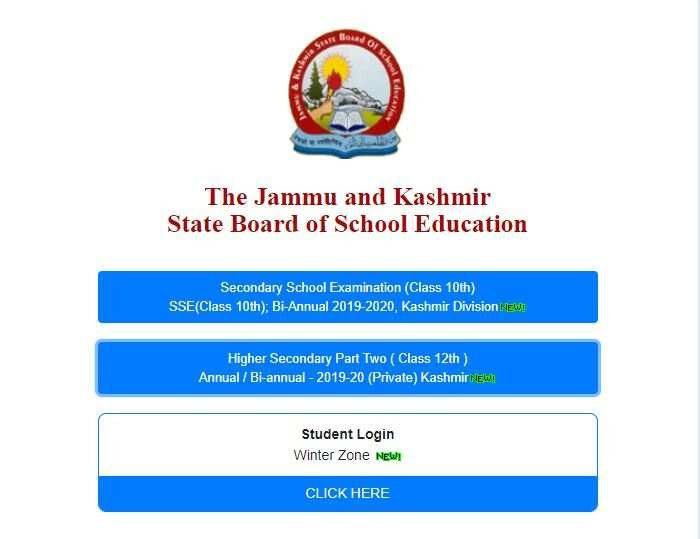
The Jammu and Kashmir State Board of School Education (JKBOSE) has declared the result of the 10th and 12th Bi-annual examination on its official website. The candidates who have appeared for the JKBOSE 10th and 12th Bi-annual examination can visit the official website of JKBOSE — jkbose.ac.in — to check and download their results. It should be noted that the results have been released for the Kashmir division.
How to check JKBOSE 10th 12th Bi-annual result 2020
Candidates can follow the step-by-step instructions given below to check and download the result.
- Go to the official website of JKBOSE — jkbose.ac.in or Click here
- On the homepage click on the link which reads “Secondary School Examination (class 10th) SSC (Class 10th); Bi-Annual 2019-2020” or “Higher Secondary Part Two (class 12th) Annual/ Bi-Annual 2019-20”
- It will direct to a new page of the JKBOSE website
- You need to enter your roll number and click on view result
- Your JKBOSE Bi-annual result 2020 will be displayed on the screen
- Download and take a print out of the same for future reference
The candidates can check their JKBOSE Bi-annual result 2020 either from the official website or from the direct links provided below.
Go to official results page


The Chenab Times News Desk